First 7 days
Free
- Everything switched on
- Unlimited saved sessions
- AI assistant included
- No key, account or card needed
Starts when you first open the app.
SetuSSH is a free SSH client for Windows, macOS and Linux.
Terminal, files and tunnels share one connection, so one saved session opens all three.
under test Windows and macOS builds are still under test. Linux is the most tested.
Open a saved session and the terminal, the server's files and your tunnels arrive together, on one SSH connection. Nothing else needs to stay open.

se
tu
In Devanagari, the script Sanskrit is written in, every letter hangs from one line drawn across the top. It is called the shirorekha, and it is what holds a word together.
SetuSSH is built the same way. Your terminal, your files and your tunnels hang from one SSH connection, so connect once and the Files tab and your saved tunnels are already there.
A Sanskrit name for a very modern job.
Saved sessions live in folders. Split any tab side by side or stacked, jump anywhere with the command palette, and keep a local terminal next to the remote ones.
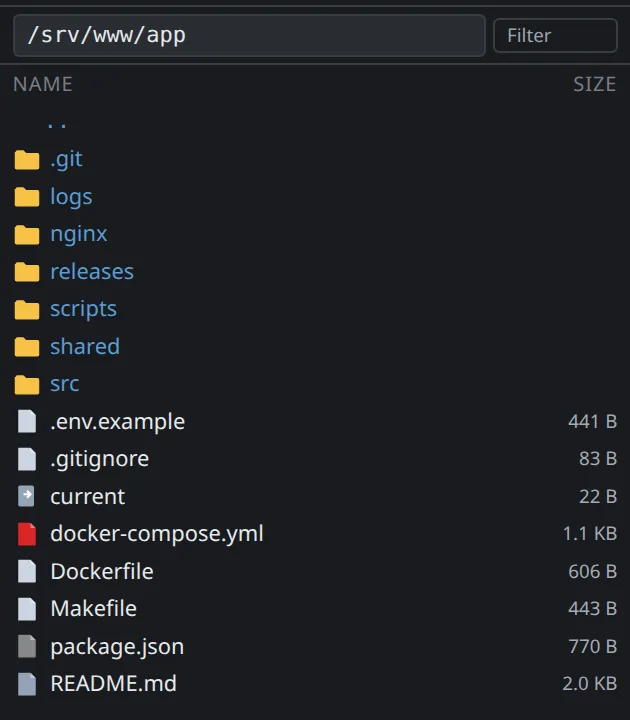
The SFTP Files tab uses the connection you already opened. Drag to upload, download, or open a remote file in your own editor and every save goes back up.
Local, remote and dynamic SOCKS tunnels are saved with the session, with live status and one-click start. The shell script can retire.

Encrypted by your OS keychain, with an optional master password on top. Host keys are checked on every connect, and nothing is sent to us.
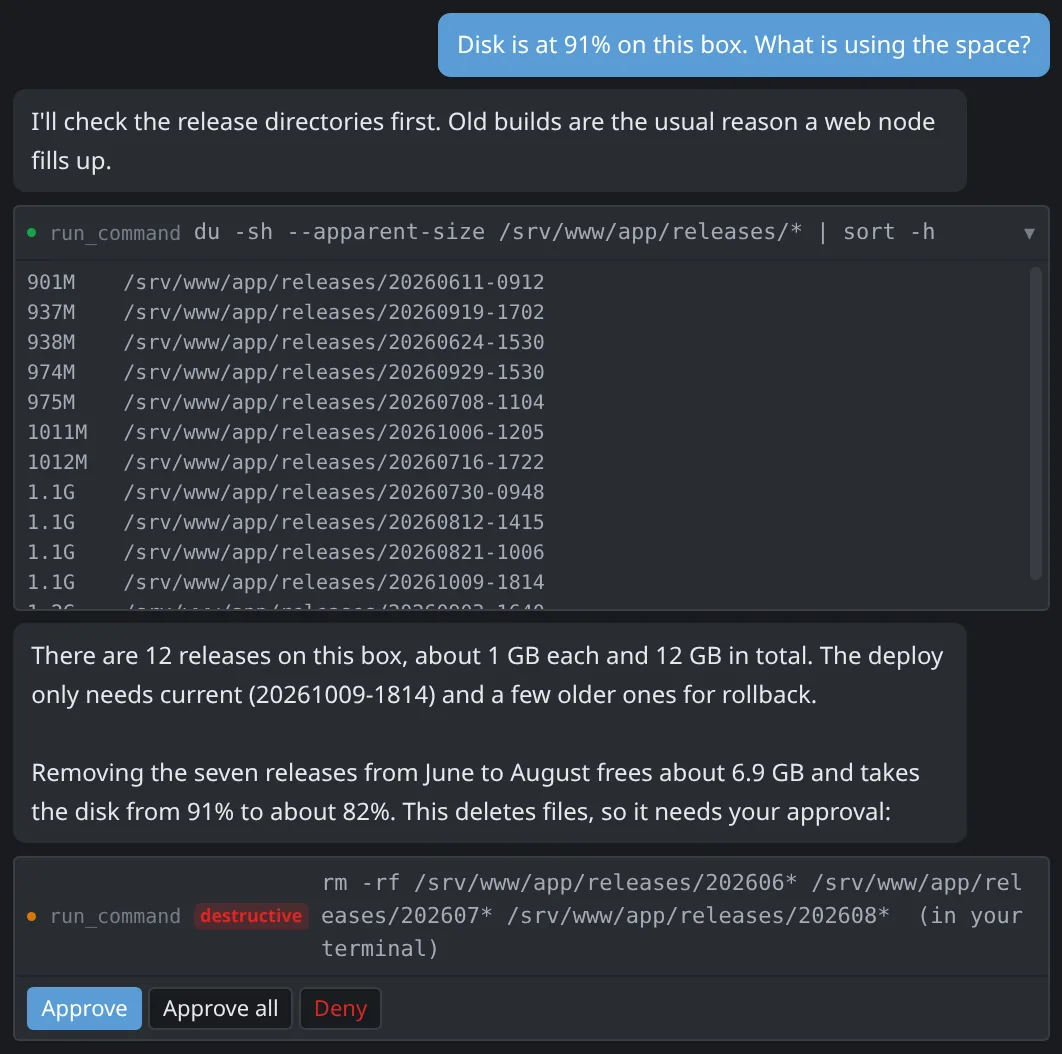
Bring your own key for OpenAI, Anthropic or DeepSeek, or point it at a local Ollama model. Keys and passwords never leave your computer.
Type into several servers at once. One keystroke, every terminal you picked.

Windows, macOS and Linux get one app, with agent authentication, your existing ~/.ssh/config and the shortcuts each platform expects.
Connect Claude Code, Claude Desktop or Cursor to your servers through SetuSSH. They can open servers as tabs, run commands and move files. How MCP works
Short version: nothing. The long version fits on three tickets.
Free
Starts when you first open the app.
Still free
Keeps working for as long as you like.
By request
The key is free. Ask, and it arrives by email from support@setussh.com.
Ask for a keyThe first 7 days need no key at all. Install it and connect to your first server.
Latest build: v0.1.2
Not sure which? About This Mac shows a Chip line on Apple Silicon and a Processor line on Intel.
Every release ships a SHA256SUMS file and a SHA256SUMS.asc signature made with the same key that signs the apt repository. To check what you downloaded:
Windows and macOS builds are not code-signed yet, so both systems warn on first launch. The checksums are how you confirm the file is ours in the meantime. What changed in each build is on the Releases page.
curl -fsSL https://setussh.com/apt/setussh.asc | gpg --import
gpg --verify SHA256SUMS.asc SHA256SUMS
sha256sum -c SHA256SUMS --ignore-missingRun the .exe. Test builds are not code-signed yet, so SmartScreen says "Unknown publisher". Choose More info, then Run anyway.
Open the .dmg and drag SetuSSH to Applications. Gatekeeper reports an unsigned app as damaged. It is not. Clear the flag once:
xattr -cr /Applications/SetuSSH.appAdd the SetuSSH repository once. Installs are verified against our signing key and updates come through apt upgrade like everything else.
curl -fsSL https://setussh.com/apt/setussh.gpg \
  | sudo tee /usr/share/keyrings/setussh.gpg > /dev/null

echo "deb [signed-by=/usr/share/keyrings/setussh.gpg] \
https://setussh.com/apt stable main" \
  | sudo tee /etc/apt/sources.list.d/setussh.list

sudo apt update && sudo apt install setussh
Prefer a single file? The .deb above installs with the command below. It will not update itself, and apt notes that a downloaded file is not from a signed repository.
sudo apt install ./SetuSSH-*-amd64.debThe AppImage is portable but needs libfuse2.
Full access lifts the 10-session limit and switches the AI assistant back on. The key is free.
Tell us a little about how you would use SetuSSH and we send a key by email from support@setussh.com. A person reads every request, so give us something to go on.
In the meantime SetuSSH keeps working. The free tier covers up to 10 saved sessions.
Yes. The first 7 days have everything turned on, with no key, account or card. After that it keeps working for free with up to 10 saved sessions. A full-access key lifts the limits and is free on request.
Windows 10 and 11, macOS on Apple Silicon and Intel, and Linux. It is the same app with the same sessions and shortcuts on all three.
Yes. The Files tab in the sidebar shows the connected server's files over the same connection as the terminal. Browse, upload, download, or open a remote file in your own editor and every save is uploaded.
Yes. Local, remote and dynamic SOCKS5 forwarding are saved with the session, with live status and one-click start, so you stop keeping them in a shell script.
You bring your own key (Anthropic, OpenAI, DeepSeek, or a local Ollama). The assistant works in your open terminal, runs read-only commands on its own and asks before anything that changes the machine. Keys and passwords never leave your computer.
Email support@setussh.com. If SetuSSH crashes it offers to send a report, which is the quickest way to get it fixed.
Two addresses, so your message lands with the right person. Both are read by a human, usually within a working day.
Something not working, a question about the app, or anything to do with a full access request. Keys are sent from this address, so add it to your contacts if you are waiting for one.
Licensing for a team, a partnership or reseller conversation, marketing, or a press enquiry. Not for support requests, which get a faster answer at support@setussh.com.
security Found a security issue? Email support@setussh.com with "security" in the subject and we will respond before anything is published.